
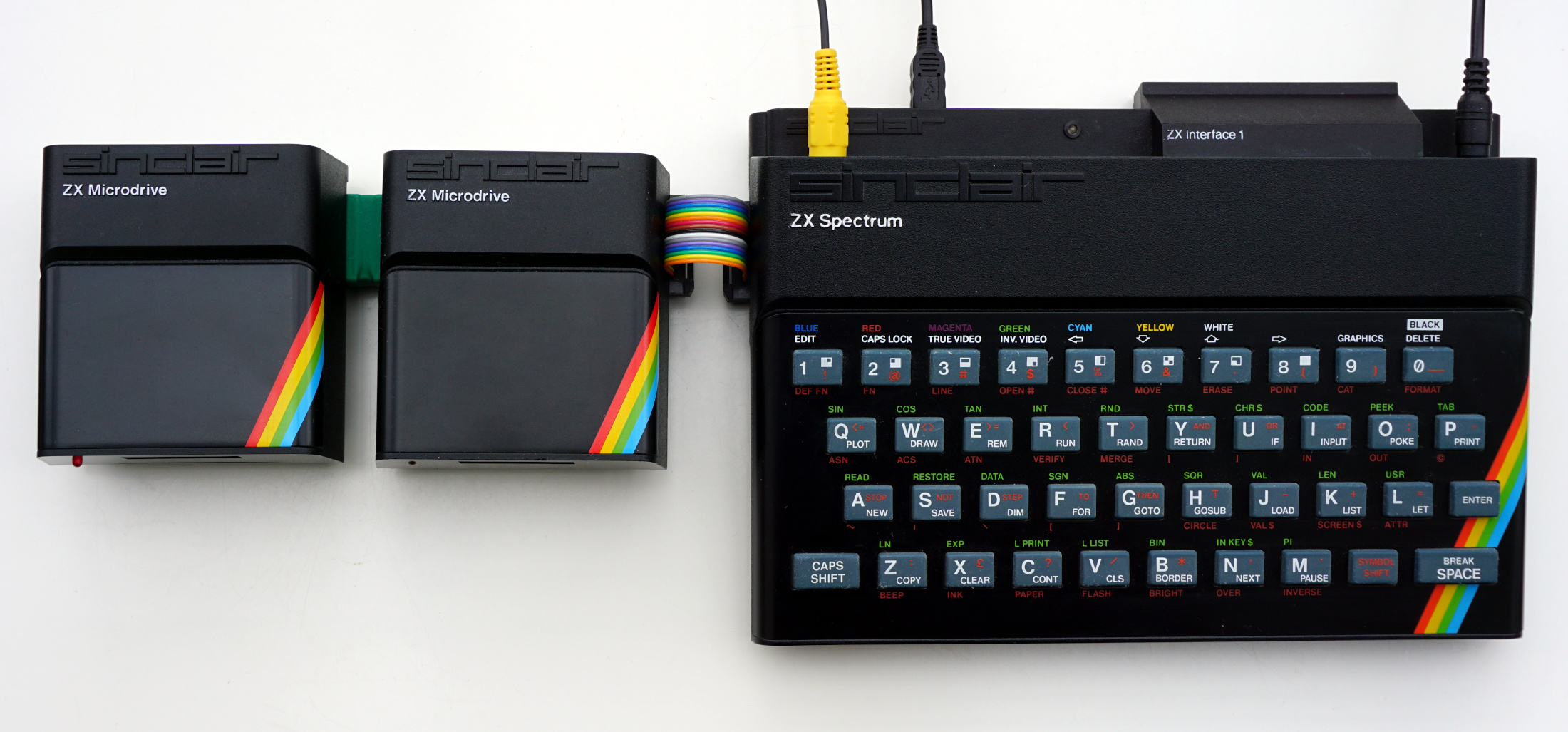
OqtaDrive can coexist with actual hardware Microdrive units. If you want to combine OqtaDrive with hardware Microdrive units, then there are essentially two choices for placing the OqtaDrive adapter - either at the end of the drive chain or at the start. Here are a few considerations and pros & cons for both options. Spoiler alert: first in chain is best…
Last in Chain
Pros
- simple - adapter just plugs into the Interface 1, QL, or Microdrive unit edge connector
- requires just one edge connector plug
- no hardware modifications needed
Cons
- hardware Microdrive units are always upstream of the adapter, and cannot be turned off or mapped into different slots; on the QL for example this means that OqtaDrive can only emulate
mdv3throughmdv8
First in Chain
Pros
-
hardware Microdrive units can be freely moved as a group within the chain, or turned off completely
To take advantage of drive mapping, it is best to use version 2.2 of the Standalone PCB. It fully supports this (see build section). Background: You need to route the
COMMS_OUTsignal from the adapter to theCOMMSinput of the first of the hardware drives.
Cons
- requires an additional edge connector (plug) for connecting hardware Microdrive units; alternatively, the adapter can be installed into an Interface 1 or QL, but cannot be used with other machines in that case
- for the QL, this requires modifying the hardware